Mnmlist — Habit Tracker
A year of
small ticks.
Tap a habit on the days you do it. One tap is nothing. A year of them looks like this.


Free, for iPhone, iPad, Apple Watch and iPhone Duo.
Run · 2026
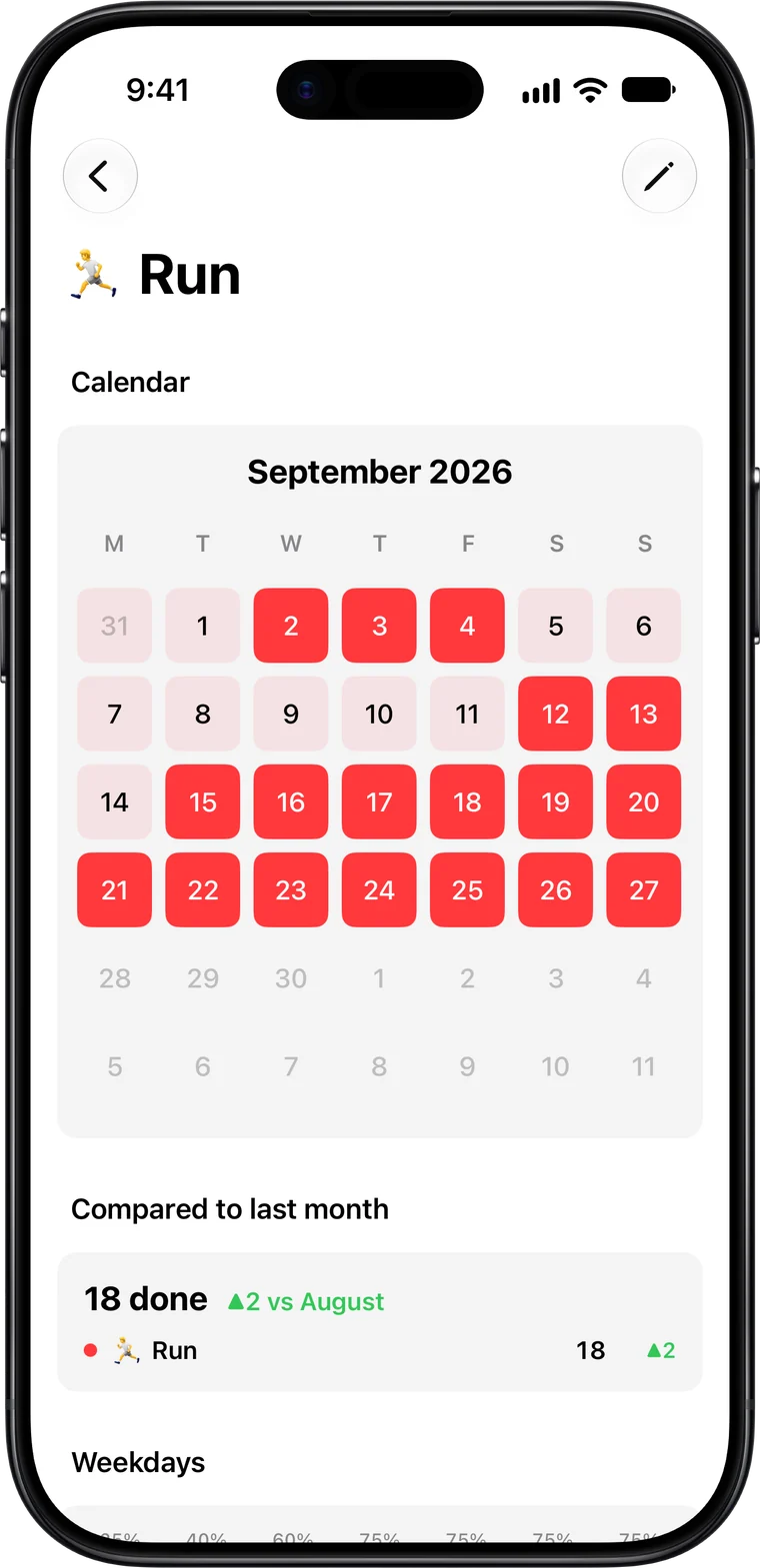
This is the Calendar tab, as the app draws it. Scroll.
See your
consistency.
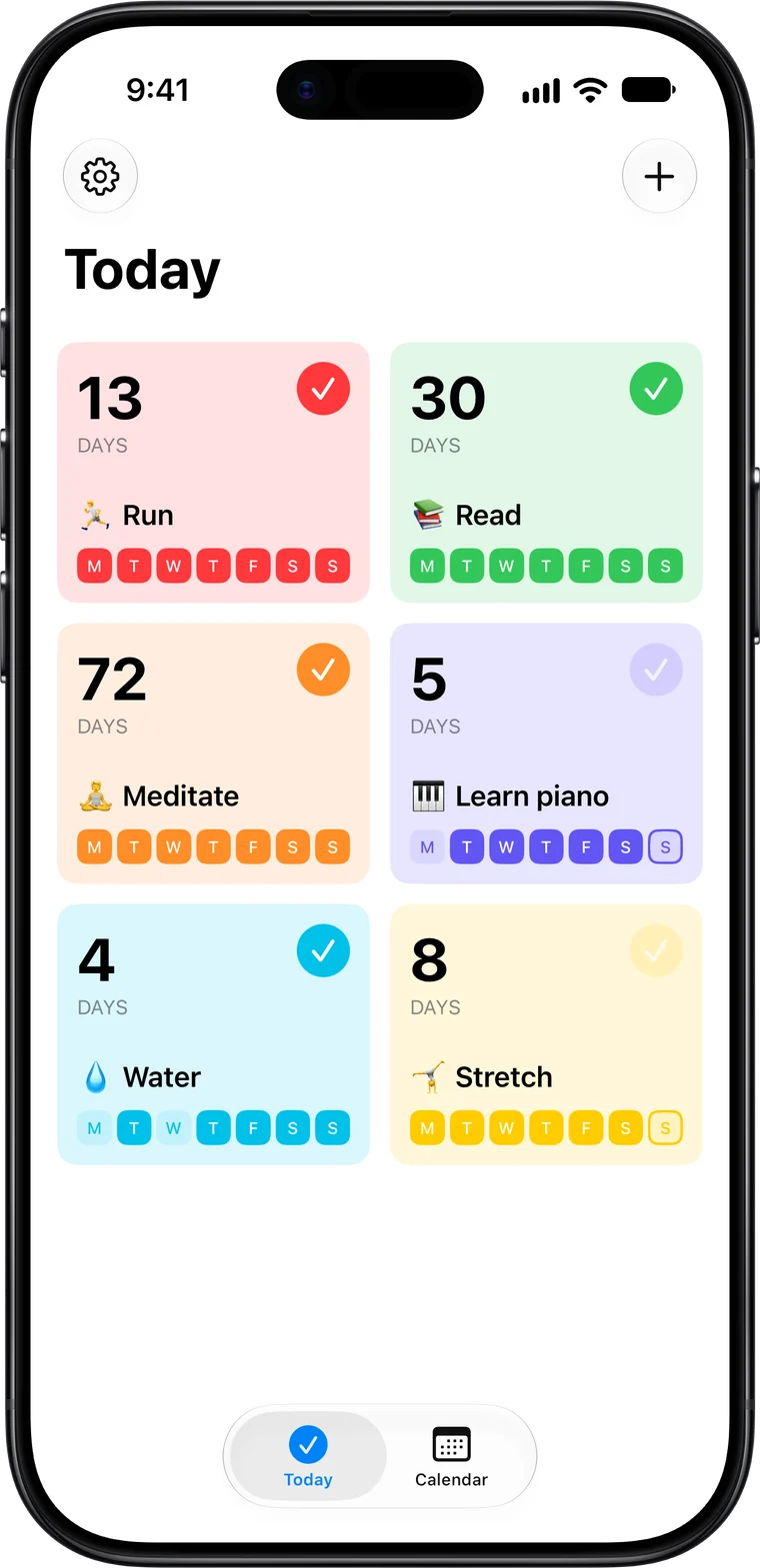
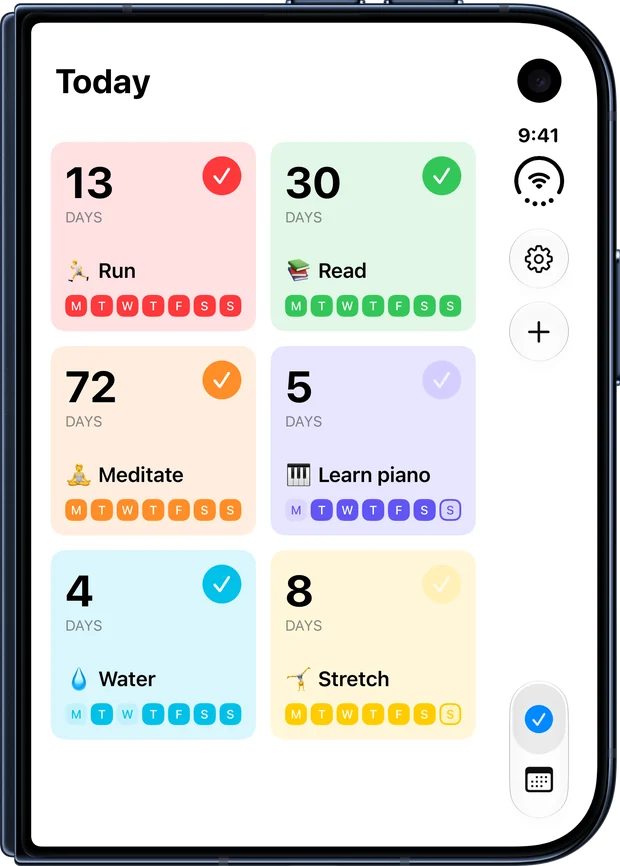
A card for each habit on Today, with the streak and this week. Open one to see its month, and how this month compares with the last.
One day, then the year.
The same tap, close up and from far away.
The same habits,
on every device.
Today, and the year
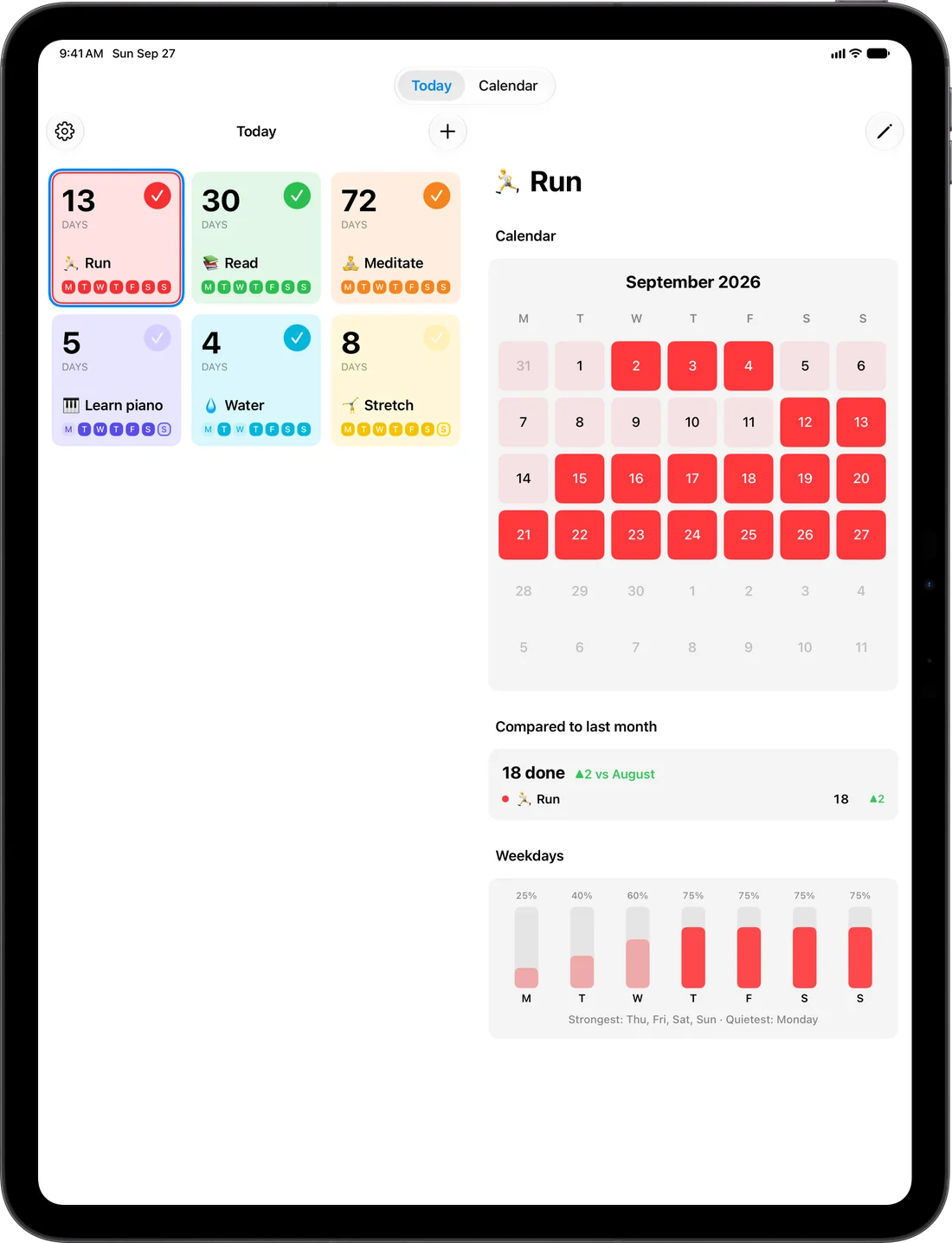
A card for each habit with its streak and this week. Open one to see its month, how this month compares with the last one, and which days of the week you do it most. The Calendar tab shows the whole year.
Mark it done from anywhere
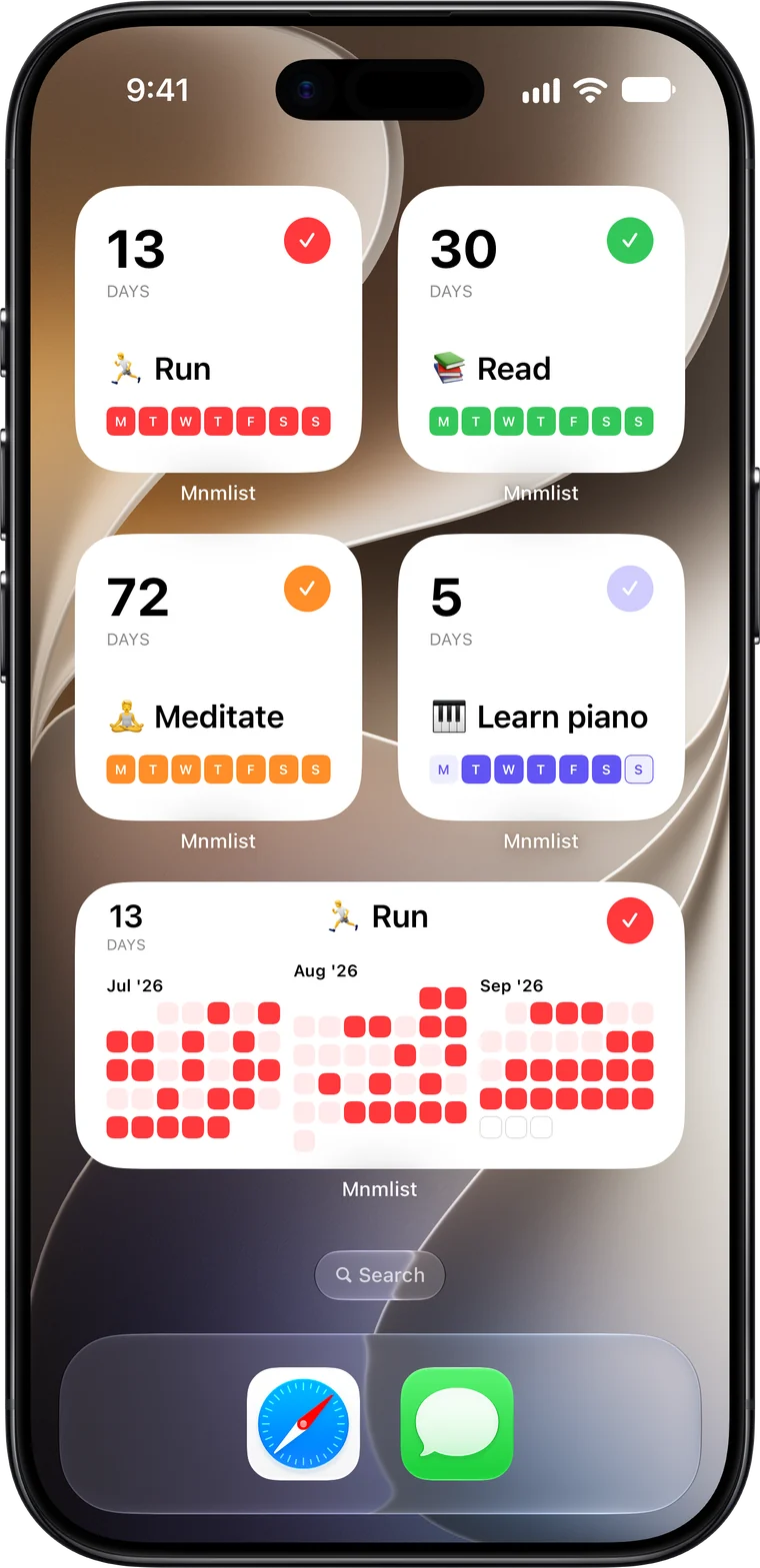
From a widget, from Control Center, the Lock Screen or the Action button, or by asking Siri. Home Screen widgets show one habit or all of them: this week, a month, three months, the whole year, or today's habits in a ring.
iPhone, iPad, Apple Watch, iPhone Duo
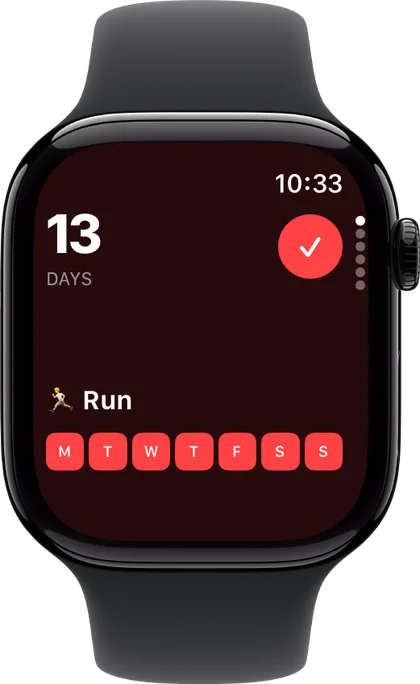
Turn the Digital Crown on Apple Watch and tap to mark one done. On iPad — and on iPhone Duo when it's open — your habits sit beside the one you're looking at. Day one for iPhone Duo.
Synced, and easy to export
Habits sync between your devices through iCloud, and you can export them as a CSV file from Settings. It works with VoiceOver and larger text, in light and dark mode, and in 22 languages.
From the About screen
two widgets on my home screen. nothing else. one for my running. one for my son's tennis practice.
try that with yours. it's quieter than you'd think.
i write apps for a living and a few more for fun. this is one of the fun ones.
there's one test. would steve jobs have used it?
he's been gone a long time. i still ask.
this is my best attempt at yes.
it's free. it'll stay free. the bills get paid somewhere else.
years ago i read leo babauta's blog. it's called mnmlist. it taught me to want less. the name is my thank-you.
if you use this, thanks. if it breaks, write to me. aaisataev@gmail.com
and if apple ever features it i'll take that as a yes. and try to look surprised.
— assylbek
free.forever.period.
- no ads
- no subscriptions
- no in-app purchases
- no account
- no analytics
- no tracking
Mnmlist — Habit Tracker, free on the App Store.